AI systems for growth, operations, and marketing
Real use cases built for measurable business outcomes
We build AI systems that improve conversion, speed, and decision-making
Start a conversation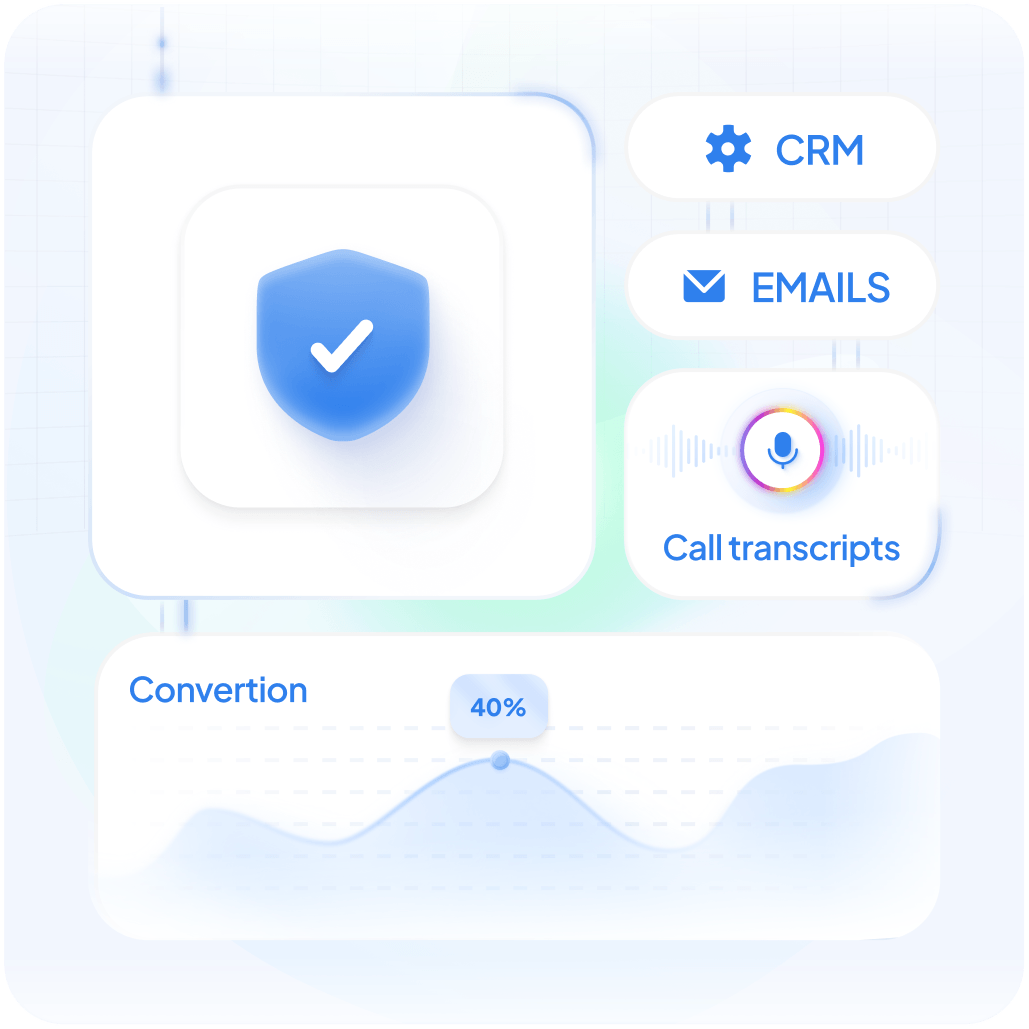
AI case studies
AI Knowledgebase for Internal Teams
Internal teams get instant answers based on Mortgage company knowledge – including emails, calls, and documents – without searching across systems or relying on colleagues. The system provides clear, structured responses in seconds, with access controlled based on user roles.
Show moreHow it works
The system continuously collects and organizes internal company data from approved sources such as email communication, call transcripts, and shared documents. This information is processed, structured, and indexed to allow fast retrieval.
When a user asks a question, the system analyzes the request, identifies relevant internal content, and generates a concise answer based only on approved data sources. Responses are grounded in actual company materials and can reference multiple documents at once.
Access to information is governed by a role-based system, where data is filtered based on user permissions. This ensures that sensitive, department-specific, or restricted content is only available to authorized users.
Where it fits in the workflow
The AI Knowledgebase is used during daily operations by internal teams – including loan officers, support staff, and management. It becomes the first point of reference when questions arise about processes, policies, or past communications.
Instead of interrupting colleagues or searching through email threads and documents, users can quickly get the information they need and continue their workflow without delays.
Why it works
The system is built around the company’s actual internal knowledge, rather than generic or external data. This ensures that answers are relevant, consistent, and aligned with how the business operates.
At the same time, the system combines centralized access to knowledge with controlled visibility. This allows organizations to make information widely available internally, while still protecting sensitive data through role-based access.
Because the data is continuously updated and structured, the system improves over time, reducing dependency on individual team members and making knowledge accessible across the organization.
Business impact
Teams spend less time searching for information and more time acting on it. Response time to internal questions is reduced from minutes or hours to seconds, while consistency of answers improves across the organization.
The system reduces reliance on specific individuals, helps preserve institutional knowledge, and accelerates onboarding of new team members. At the same time, access control ensures that sensitive information remains protected without limiting usability.
Workflow Before and After
- Information scattered across emails, documents, and calls
- Employees rely on colleagues for answers
- Time spent searching for information
- Inconsistent answers across teams
- Knowledge tied to specific individuals
- Sensitive information hard to control
- Centralized, searchable knowledge system
- Instant answers available on demand
- Immediate access to relevant insights
- Standardized, reliable responses
- Knowledge accessible across the organization
- Role-based access ensures controlled visibility
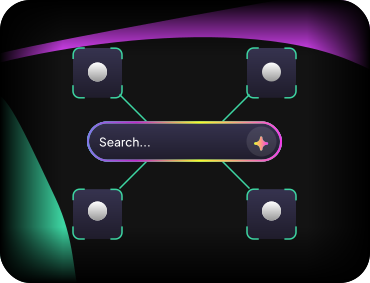
Intelligent search turning complex content into clear, relevant answers
Replaces keyword-based search with AI that understands user intent and delivers accurate, easy-to-consume answers from across the entire healthcare content library.
Show moreHow it works
The system indexes and structures all website content into a searchable layer. When a user enters a query in natural language, the AI understands the intent behind it and retrieves the most relevant information. Instead of returning a list of links only, it generates a clear, concise answer and provides supporting sources so users can explore further if needed.
Where it fits in the workflow
AI Search becomes a core part of how users interact with the website. It sits in the main search bar, supports resource and knowledge center pages, and can be used inside member portals or gated sections. It effectively replaces or enhances traditional search, making it the primary way users find information.
Why it works
Unlike traditional search, the system focuses on understanding what the user is actually trying to find, not just matching keywords. It pulls from multiple pieces of content at once and combines them into a meaningful answer, reducing noise and improving clarity. At the same time, responses stay grounded in real content, which keeps them accurate and trustworthy.
Business impact
Users find what they need faster, which improves their overall experience with the platform. Content becomes easier to discover and more useful, increasing engagement without creating new material. The website feels more modern and intelligent, which strengthens trust and perceived value.
Workflow Before and After
- Users search using keywords
- Multiple pages need to be opened
- Relevant content is often missed
- Navigation takes time and effort
- Users ask questions naturally
- Direct answers are provided instantly
- Most relevant information is surfaced immediately
- Information is found with minimal interaction
Personalized content adapting to each user's role, profile, behavior, and interests
Users see the most relevant healthcare content based on who they are and how they interact with the platform, with content, recommendations, and search results dynamically adapting to their role, interests, profile, and behavior.
Show moreHow it works
The platform continuously analyzes how users interact with content and combines this with profile data such as role, interests, and professional background. Based on this context, it dynamically selects and ranks content across the site. Instead of showing the same pages to everyone, it adapts what users see in real time, making each interaction more relevant and personalized.
Where it fits in the workflow
Personalization becomes part of the core user experience across the platform. It shapes what users see on the homepage, influences search results, and enhances how content is presented in resource sections or member areas. It works quietly in the background, improving every interaction without requiring additional input from the user.
Business impact
Users spend less time searching and more time engaging with relevant content. The platform becomes easier to use and more valuable, which improves retention and overall satisfaction. At the same time, existing content performs better because it is matched to the right audience at the right moment.
Workflow Before and After
- Same content is shown to all users
- Users manually search for relevant information
- Content is often overlooked
- Experience feels generic
- Content adapts to each user individually
- Relevant content is surfaced automatically
- Key content is highlighted based on context
- Experience feels tailored and intuitive
Real-time AI assistant supporting loan officers during borrower calls
Loan officers receive live guidance, instant loan scenarios, and suggested next questions during calls, helping them respond faster, stay structured, and move deals forward without follow-ups.
Show moreHow it works
The system connects to the live call stream and processes the conversation in real time. As the borrower and loan officer speak, AI transcribes the call, extracts key details, and keeps track of required information. When enough data is available, it triggers integrations such as property data, credit signals, and pricing, and generates loan scenarios. All insights are displayed in a structured interface for the loan officer to review and use during the call.
Where it fits in the workflow
The assistant is used directly during borrower calls and becomes part of the conversation flow. It supports data collection, qualification, and pricing without requiring the loan officer to switch tools or follow up later. Everything happens in one place, within the same session.
Why it works
The system combines real-time input with structured logic and external data sources, which allows it to react immediately as the conversation evolves. It supports the loan officer without taking control, keeping the process human-driven while reducing uncertainty and manual effort.
Business impact
Loan officers can respond faster and provide more complete information during the first call. This reduces the need for follow-ups, improves consistency across conversations, and helps move deals forward more efficiently. The overall borrower experience becomes smoother and more structured.
Workflow Before and After
- Data is collected during the call and processed later
- Loan options are prepared after the call
- Follow-up calls are required to present options
- Conversations vary by loan officer experience
- Data is captured and processed in real time
- Loan scenarios are generated during the call
- Most decisions are advanced within the same call
- Conversations are guided and more consistent